
Publishing a book on Kindle can be an exciting step for any author. But before your book can appear professionally on Amazon, your manuscript needs to be formatted correctly for Kindle devices and apps.
Unlike a paperback book, a Kindle eBook does not use fixed pages in the same way. Readers can change the font size, font style, screen size and orientation, so the content needs to be prepared differently.
In this guide, we’ll walk through how to format a book for Kindle, from preparing your manuscript to checking the final eBook before publishing.
What Is Kindle Book Formatting?
Kindle book formatting is the process of preparing your manuscript so that it displays correctly as an eBook on Amazon Kindle.
A properly formatted Kindle book should have:
- Clean and consistent text
- Proper chapter headings
- Correct spacing and paragraphs
- A working table of contents
- Properly positioned images
- No unwanted blank pages
- No broken formatting
- A suitable Kindle-compatible file
- A professional reading experience on different screen sizes
Good formatting is important because readers may open your book on a Kindle device, phone, tablet or computer.
1. Start With a Clean Manuscript
Before formatting your book, make sure your manuscript is complete and proofread.
Remove unnecessary formatting such as:
- Multiple spaces
- Repeated paragraph breaks
- Unnecessary tabs
- Random font changes
- Manual page numbers
- Unwanted text boxes
- Extra blank pages
If your manuscript was written in Microsoft Word or another program, clean it up before beginning the Kindle formatting process.
The cleaner your manuscript is, the easier the formatting process will be.
2. Use Consistent Styles
One of the most important parts of Kindle formatting is using proper text styles.
Instead of manually making every chapter title bold and larger, use heading styles consistently.
For example:
Chapter 1
Chapter 2
Chapter 3
can all use the same heading style.
Your normal paragraphs should also use one consistent body-text style.
This makes your book easier to format and helps create a proper navigation structure.
3. Format Your Chapters Properly
Each chapter should have a clear beginning.
A simple structure could look like:
Chapter One
The first paragraph of the chapter begins here…
Your chapter headings should be visually different from your body text, but avoid using excessive fonts, colours or decorative effects.
For most books, a simple and professional design works best.
4. Create a Clickable Table of Contents
A clickable table of contents is extremely useful for Kindle books.
Readers should be able to select a chapter from the contents and jump directly to that section.
For example:
Contents
Introduction
Chapter 1 – Getting Started
Chapter 2 – Understanding the Basics
Chapter 3 – Creating Your Plan
Chapter 4 – Putting It Into Practice
Conclusion
The entries should link to the corresponding chapters rather than simply being plain text.
This is one of the areas where proper eBook formatting makes a big difference.
5. Don’t Use Manual Page Numbers
Paperback books normally have page numbers.
Kindle books are different.
Because readers can change the font size and screen settings, the amount of text displayed on each screen can change.
Therefore, you generally shouldn’t create a traditional page-number system for a reflowable Kindle eBook.
Instead, focus on proper navigation through:
- Chapter headings
- Table of contents
- Kindle navigation
- Internal links where appropriate
6. Format Images Correctly
If your book contains images, illustrations, charts or photographs, they need to be prepared carefully.
Check that:
- Images are high enough quality
- Images aren’t unnecessarily huge
- Images are positioned correctly
- Images don’t overlap text
- Captions are readable
- Images display properly on different screen sizes
For children’s books, cookbooks, workbooks and heavily illustrated books, image formatting can require additional care.
A layout that looks perfect on a computer may not behave the same way on a Kindle screen.
7. Choose the Right eBook Format
Your final Kindle file needs to be in a format supported by Amazon KDP.
For many modern Kindle publishing workflows, EPUB is a common choice.
EPUB is useful because it allows the content to reflow according to the reader’s screen and settings.
Before uploading your file, always check Amazon’s current KDP requirements because supported formats and publishing specifications can change.
8. Format the Kindle Cover Separately
Your Kindle eBook cover is different from a paperback wraparound cover.
A paperback normally has:
- Front cover
- Spine
- Back cover
A Kindle eBook generally uses a front-cover image only.
Your cover should be readable when displayed as a small thumbnail because that’s how many readers will first see it on Amazon.
Make sure the:
- Book title is clear
- Author name is readable
- Main image is sharp
- Design isn’t overcrowded
- Text doesn’t become too small
A professional cover can make a significant difference to how your book looks in search results and on your book page.
9. Avoid Complicated Page Layouts
One of the biggest mistakes beginners make is trying to make a Kindle eBook look exactly like a printed book.
Kindle eBooks are usually reflowable.
This means the text can move depending on the reader’s:
- Screen size
- Font size
- Font choice
- Device
- Orientation
Because of this, avoid relying heavily on:
- Complex text boxes
- Fixed positioning
- Large numbers of manual spaces
- Manual tabs
- Complicated columns
- Decorative page layouts
Simple, structured formatting usually works better.
10. Check Your Links
If your book contains links, check every one before publishing.
This includes:
- Table of contents links
- Website links
- Author website
- Social media links
- References
- Internal chapter links
Broken links can make an otherwise professional eBook look unfinished.
11. Preview Your Kindle Book
Never upload your Kindle file without checking it first.
Use a Kindle previewing tool to see how your book behaves.
Look carefully for:
- Missing text
- Strange spacing
- Broken headings
- Incorrect images
- Empty pages
- Broken links
- Incorrect table of contents
- Text running into images
- Unexpected page breaks
Check the book at different font sizes if possible.
Remember: your reader may view the book very differently from how it appears on your computer.
12. Common Kindle Formatting Mistakes
Here are some mistakes authors should avoid.
Using too many fonts
Using several different fonts can make an eBook look messy.
Keep the typography simple and consistent.
Using spaces to position text
Don’t use dozens of spaces to move text across a page.
The layout can break on another device.
Using tabs for paragraph indentation
Use proper paragraph formatting instead of manually inserting tabs.
Adding unnecessary blank pages
Blank pages that make sense in a paperback may not be necessary in a Kindle eBook.
Forgetting the table of contents
A clickable contents section makes navigation much easier.
Not checking the final file
Even if your manuscript looks perfect in Word, the converted eBook may have problems.
Always preview the final version.
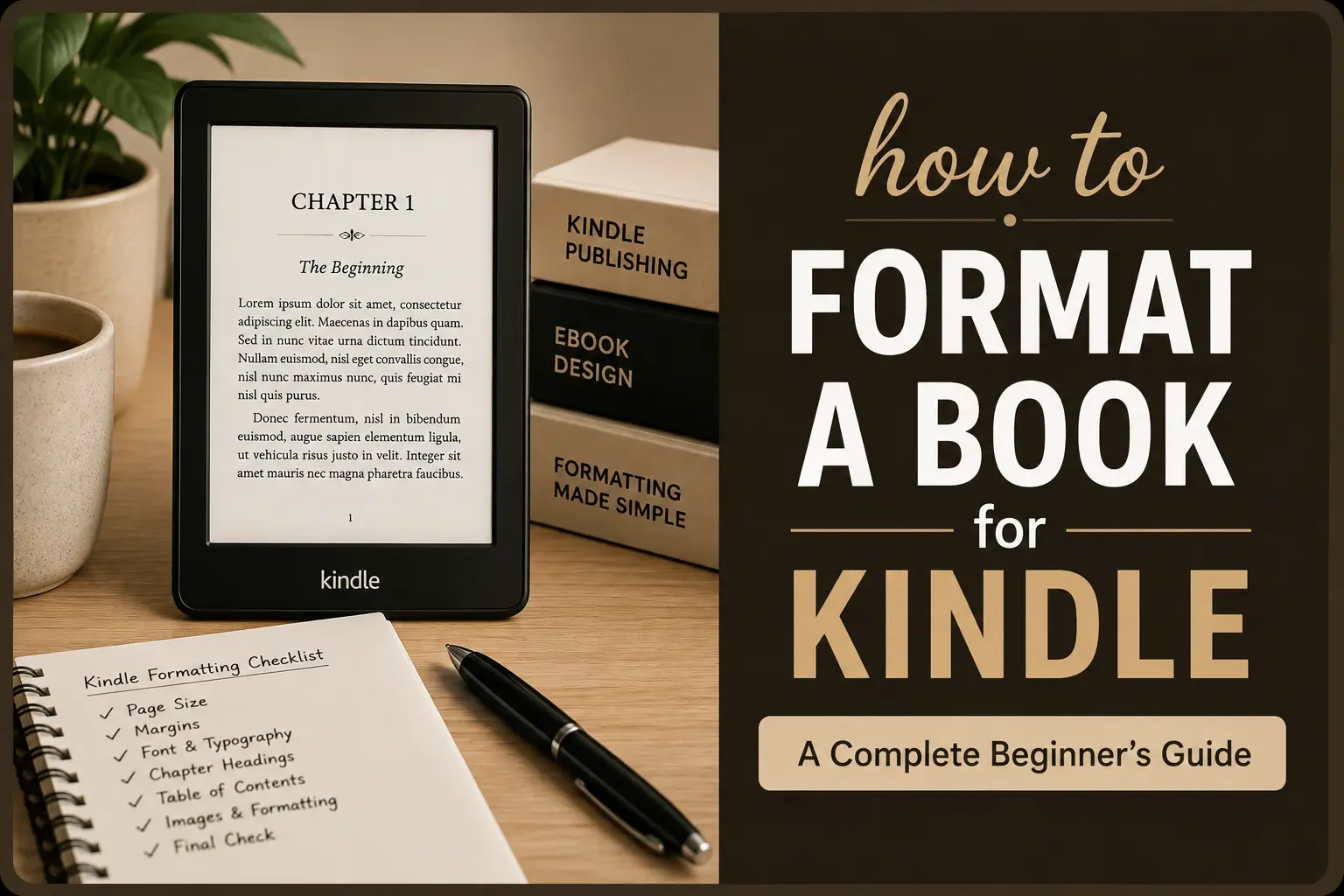
Kindle Formatting Checklist
Before publishing, go through this checklist:
- Manuscript is proofread
- Unnecessary formatting has been removed
- Chapter headings are consistent
- Paragraphs are properly formatted
- Table of contents is clickable
- Images display correctly
- Links have been checked
- Kindle cover is prepared separately
- File is saved in an appropriate Kindle-supported format
- Book has been previewed
- Formatting has been checked on different screen sizes
- Final file is ready for KDP upload
Should You Format Your Kindle Book Yourself?
If your book is short and mostly text, you may be able to format it yourself.
However, books with complicated layouts can take considerably more time.
You may want professional formatting if your book includes:
- Many images
- Tables
- Charts
- Footnotes
- Special typography
- Children’s illustrations
- Educational exercises
- Workbooks
- Complex chapter layouts
Professional formatting can also save time and help prevent problems during the publishing process.
Final Thoughts
Formatting a book for Kindle is more than simply converting a Word document into an eBook.
A good Kindle book needs clean typography, consistent chapter structure, working navigation, correctly formatted images and a file that behaves properly across different devices.
The most important thing to remember is that Kindle eBooks are designed to be flexible. Instead of trying to force the reader’s screen to look exactly like a printed page, focus on creating a clean, readable and easy-to-navigate experience.
If you’re preparing a book for Amazon KDP, taking the time to format and preview the final eBook properly can help your book look much more professional.
Need Help Formatting Your Kindle Book?
I’m Yasmin, a book and graphic designer, and I help authors and publishers with book formatting and interior design for Kindle, KDP, and print.
I can help with the formatting, chapter layout, clickable Table of Contents, images, and final file preparation.
Have a book you’re working on? Feel free to get in touch — I’d be happy to help.